A few things are either slow, highly annoying, broken, or all three:
etags -- it's just an nightmare, full stop. It only gets you where you want to go half the time at most. And then because the GUI is so primitive you can't do basic things like click on a symbol and have it jump you to the definition, you're stuck using the keyboard interface designed for work in a terminal.
An etags that actually worked properly is one of the most basic things that could improve my productivity monumentally.
CEDET -- last used about 5 years ago, gave up because on larger files/projects it would just hang my editor for a few seconds as it processed.
Variable/symbol completion -- see etags.
I'm not doing a very good job communicating my dislikes / pain points because I'm not very good at communicating. Please do not respond with a "but these aren't problems because..." because they are problems for me, I just do a poor job of communicating.
I think you communicated your pain points well, because they are my pain points as well.
I gave up on emacs for Java development for the reasons you cited, but I still use it for REPL style development (Jython, Ruby Motion, XQuery, as a few current examples).
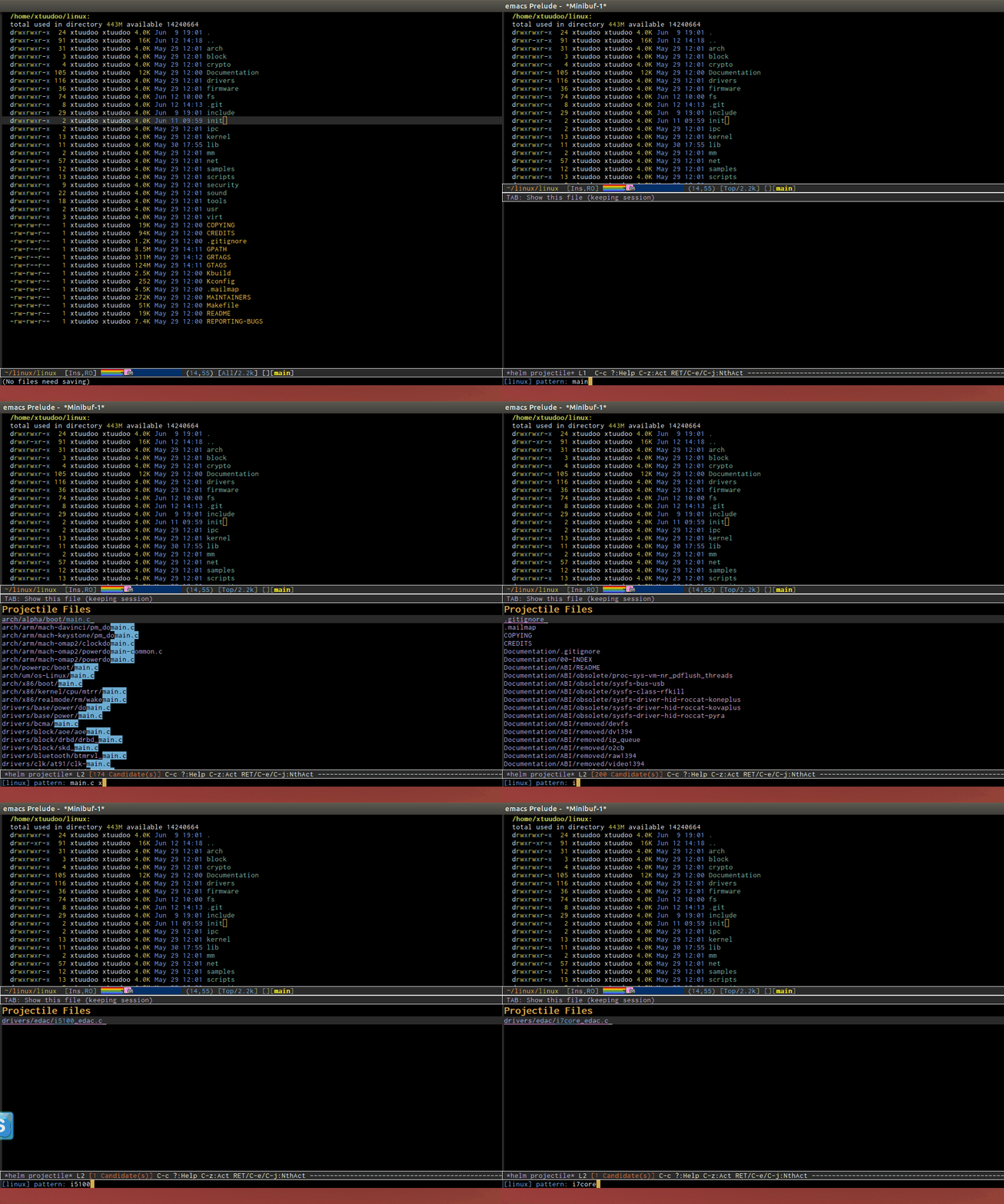
You are pretty out of date then. See my C/C++ guide (with demos): http://tuhdo.github.io/c-ide.html. It works fine on navigation projects like Linux kernel, it should work for you likely. With Projectile, I can jump any file instantly, even in Linux kernel with more than 46k files, and I've never seen this in an IDE.
And use GNU Global instead of etags. Finally, keyboard boost productivity many times over the mouse.
Ah yes, the good old "mouse? you're doing it wrong!" bit of elitism. Some people find keyboard navigation through a second buffer that pops up on the bottom to be not-good. I'm one of those people. I hate it when completion buffers, or anything related to a second buffer, pops up in my frame.
Google Chrome, or any modern browser for that matter, has a much better way of doing things. Imagine for a moment that I was browsing and editing code in Google Chrome instead. A symbol would be a link, and when I ctrl+clicked on it, it would open in a new frame. That would be an interface I could get behind.
For completion, it ought to work like the IDE I used back when I was writing Scala. A little tooltip would pop up with completions. You could scroll through them with the mouse or keyboard, and click or ENTER the one you want and it would paste in. Or you could ignore it completely and continue typing. This sort of UI is so much better than popping up a new buffer in the frame. But in Emacs UI, everything is a buffer and there are only three places they can (or usually do) go: in a new frame, in a new window, or in the minibuffer. Only that last one is usable.
GNU global is not a solution. It produces marginally better output than etags, but still requires you to actually run it whenever you make changes to the codebase. Or at least it did back when I tried it as an etags replacement.
Ah yes, the good old "mouse? you're doing it wrong!" bit of elitism. Some people find keyboard navigation through a second buffer that pops up on the bottom to be not-good. I'm one of those people. I hate it when completion buffers, or anything related to a second buffer, pops up in my frame.
There's nothing elite about the keyboard. It's just the keyboard enable higher productivity when it comes to write code.
For completion, it ought to work like the IDE I used back when I was writing Scala. A little tooltip would pop up with completions. You could scroll through them with the mouse or keyboard, and click or ENTER the one you want and it would paste in. Or you could ignore it completely and continue typing. This sort of UI is so much better than popping up a new buffer in the frame. But in Emacs UI, everything is a buffer and there are only three places they can (or usually do) go: in a new frame, in a new window, or in the minibuffer. Only that last one is usable.
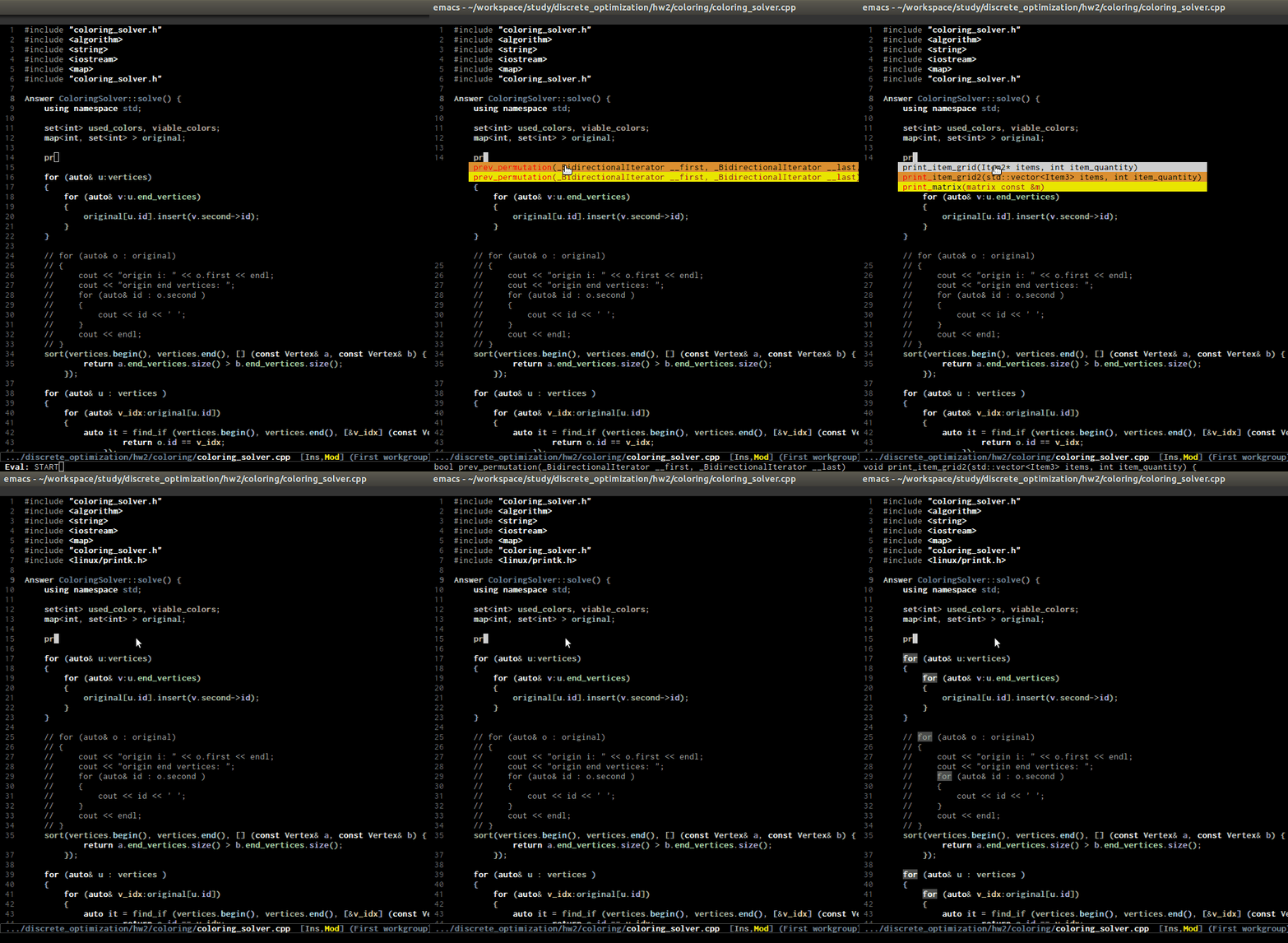
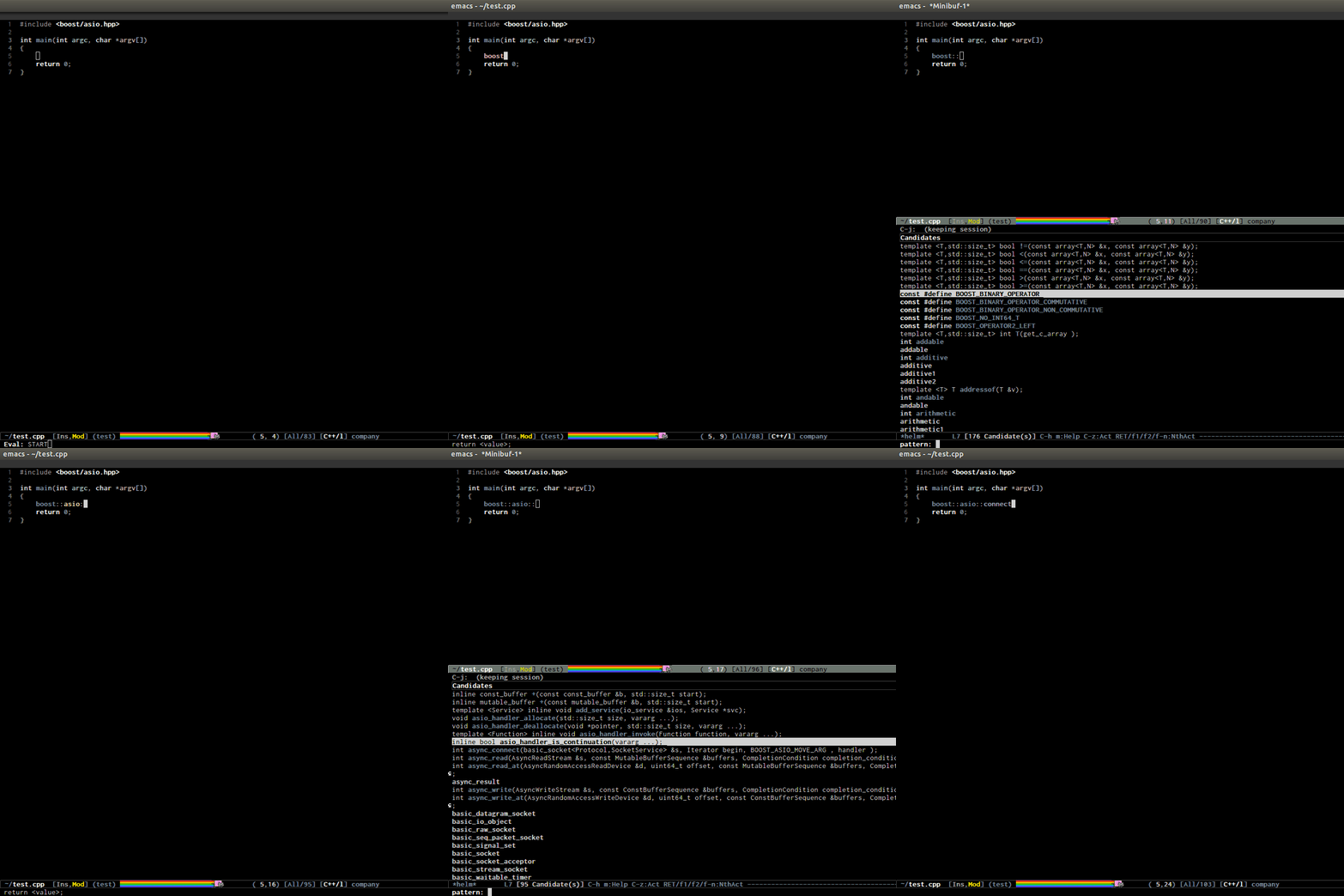
Completion using a window buffer is still vastly superior because it can handle large collections. For example, here is how I filter completion candidates with Helm: http://tuhdo.github.io/static/c-ide/semantic-boost-demo.gif. Helm works even if you have 99999 candidates (not joking) to filter out. Here is how I quickly filter to a file and enter the file in Linux kernel source tree: http://tuhdo.github.io/static/helm_projectile.gif , very quick and simple; in contrast, the file search dialog box in typical IDEs is very complex with many checkboxes and text fields. How do you cope with completion popup with contains thousands of candidates in it?
GNU global is not a solution. It produces marginally better output than etags, but still requires you to actually run it whenever you make changes to the codebase. Or at least it did back when I tried it as an etags replacement.